
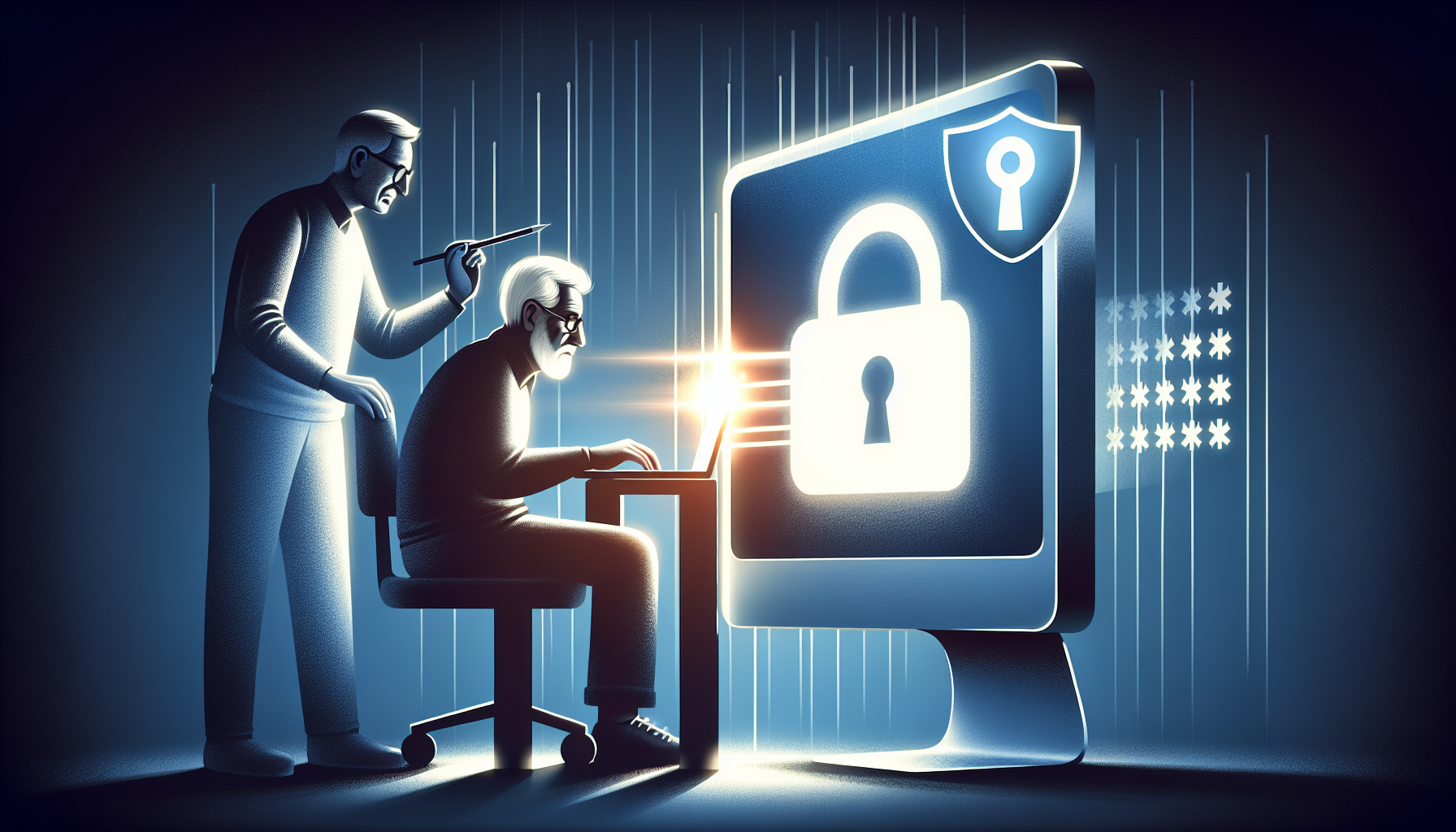
Safeguarding Your Digital Realm: A Comprehensive Guide to Password Management for Baby Boomers
In today’s digital age, securing our online presence has become paramount, especially for baby boomers navigating the ever-evolving technological landscape. With an increasing reliance on digital platforms for various aspects of our lives, from banking to social media, the need for robust password management has never been more critical. This comprehensive guide aims to empower baby boomers with the knowledge and tools to safeguard their digital identities, ensuring a secure and hassle-free online experience.
Photo byOpenClipart-Vectors onPixabay
The Importance of Strong and Unique Passwords
The foundation of digital security lies in the strength and uniqueness of your passwords. Weak or easily guessable passwords can leave your accounts vulnerable to cyber attacks, potentially compromising your personal information and financial data. To combat this threat, it is essential to create strong, complex passwords that combine uppercase and lowercase letters, numbers, and special characters.
Why You Shouldn’t Reuse Passwords
One of the most common mistakes people make is reusing the same password across multiple accounts. While it may seem convenient, this practice significantly increases the risk of a domino effect if one account is compromised. Imagine a scenario where a hacker gains access to your email account and discovers that the same password is used for your online banking. The consequences could be devastating.
The Pitfalls of Using Personal Information in Passwords
Another common pitfall is incorporating personal information, such as names, birthdates, or addresses, into passwords. These details are often easily accessible to cybercriminals through public records or social media profiles, making it easier for them to crack your passwords. It is crucial to avoid using any personally identifiable information when creating passwords.
The Role of Password Managers in Simplifying Password Management
As the number of online accounts and services we use grows, remembering unique passwords for each one becomes increasingly challenging. This is where password managers come into play, offering a secure and convenient solution to managing your digital credentials.
Understanding Password Managers
Password managers are software applications or browser extensions that securely store and manage your passwords, eliminating the need to remember multiple complex passwords. These tools generate strong, random passwords for each account and encrypt them using robust algorithms, ensuring that your sensitive information remains protected even if the password manager’s database is compromised.
Choosing the Right Password Manager
When selecting a password manager, it is essential to consider factors such as security features, cross-platform compatibility, and ease of use. Popular options like LastPass, 1Password, and KeePass offer a range of features, including two-factor authentication, secure password sharing, and automatic password updates.
Setting Up and Using a Password Manager
Setting up a password manager is a straightforward process that typically involves creating a master password and importing or manually entering your existing passwords. Once set up, the password manager will automatically fill in your login credentials when you visit a website, saving you time and reducing the risk of entering passwords incorrectly.
Embracing Two-Factor Authentication (2FA) for Added Security
While strong passwords are essential, they alone may not be enough to protect your accounts from sophisticated cyber threats. Two-factor authentication (2FA) adds an extra layer of security by requiring a second form of verification, such as a one-time code sent to your phone or a biometric factor like a fingerprint or facial recognition.
Understanding 2FA and Its Benefits
Two-factor authentication works by combining something you know (your password) with something you have (a physical device or biometric factor). This additional step makes it much harder for hackers to gain unauthorized access to your accounts, even if they manage to obtain your password.
Enabling 2FA on Your Accounts
Most popular online services, including email providers, social media platforms, and financial institutions, offer 2FA as an optional security feature. Enabling 2FA is typically a straightforward process that involves setting up a secondary authentication method, such as a mobile app or a hardware security key.
Choosing the Right 2FA Method
When enabling 2FA, you’ll have several options to choose from, including SMS-based codes, authenticator apps, or physical security keys. Consider factors such as convenience, security level, and compatibility with your devices when selecting the most suitable 2FA method for your needs.
Keeping Your Password Manager Secure
While password managers offer a convenient and secure way to manage your passwords, it is crucial to take additional steps to protect your password manager account and ensure the safety of your digital credentials.
Choosing a Strong Master Password
Your password manager is only as secure as the master password you use to access it. It is essential to choose a strong, unique master password that is difficult to guess or crack. Consider using a passphrase or a combination of random words to create a memorable yet secure master password.
Enabling Two-Factor Authentication for Your Password Manager
Most reputable password managers offer two-factor authentication as an additional security measure. Enabling 2FA for your password manager account adds an extra layer of protection, ensuring that even if your master password is compromised, your digital credentials remain secure.
Regularly Updating Your Password Manager
Password managers are constantly updated with new features and security patches to address vulnerabilities and improve overall performance. It is essential to keep your password manager up-to-date by installing the latest updates as soon as they become available.
Backing Up Your Password Manager Data
While password managers are designed to be secure, unforeseen events such as hardware failures or accidental deletions can still occur. To ensure that you don’t lose access to your digital credentials, it is crucial to regularly back up your password manager data.
Understanding Password Manager Backup Options
Most password managers offer various backup options, including cloud-based backups, local backups to external storage devices, or even printed backups. Each option has its own advantages and disadvantages, so it’s essential to choose the one that best suits your needs and preferences.
Setting Up Automatic Backups
To minimize the risk of data loss, consider setting up automatic backups for your password manager. This way, your data will be backed up regularly without the need for manual intervention, ensuring that you always have a recent copy of your digital credentials.
Storing Backup Copies Securely
Regardless of the backup method you choose, it is crucial to store your backup copies securely. This may involve encrypting the backup files, storing them in a secure location, or using a combination of physical and digital storage solutions.
Managing Password Inheritance and Estate Planning
As we navigate the digital realm, it is essential to consider what will happen to our online accounts and digital assets in the event of our passing or incapacitation. Proper password management and estate planning can ensure that our loved ones have access to our digital credentials when needed, while also protecting our privacy and security.
Understanding Digital Estate Planning
Digital estate planning involves making arrangements for the management and distribution of your digital assets, including online accounts, passwords, and other digital properties. This process ensures that your digital legacy is handled according to your wishes and that your loved ones can access the necessary information without legal or technical obstacles.
Designating a Digital Executor or Trustee
One of the first steps in digital estate planning is to designate a trusted individual, such as a family member or a professional, as your digital executor or trustee. This person will be responsible for managing and distributing your digital assets according to your instructions.
Storing and Sharing Password Information Securely
To ensure that your digital executor or trustee can access your online accounts and digital assets, it is essential to store and share your password information securely. This may involve using a password manager with an emergency access feature or creating a secure document that contains your login credentials and instructions for accessing your accounts.
Staying Vigilant Against Phishing Attempts and Password Breaches
Despite our best efforts to secure our passwords, cyber threats such as phishing attempts and password breaches can still occur. It is crucial to stay vigilant and take proactive measures to protect your digital credentials and minimize the impact of potential breaches.
Recognizing Phishing Attempts
Phishing is a type of cyber attack where criminals attempt to trick you into revealing sensitive information, such as passwords or financial data, by posing as legitimate entities. It is essential to be able to recognize the signs of a phishing attempt, such as suspicious email addresses, urgent language, or requests for personal information.
Monitoring for Password Breaches
Password breaches can occur when a company’s database is compromised, exposing user credentials to cyber criminals. Many password managers and online services offer tools to monitor for password breaches and alert you if your credentials have been compromised, allowing you to take immediate action to secure your accounts.
Updating Compromised Passwords Promptly
If you receive a notification that one of your passwords has been compromised, it is crucial to update that password immediately. Use a strong, unique password and enable two-factor authentication for added security. Additionally, consider updating any other accounts where you may have reused the compromised password.
Fostering Good Password Habits in Your Family
As a baby boomer, you play a vital role in educating and guiding your family members, especially younger generations, on the importance of good password management practices. By fostering a culture of digital security within your family, you can help protect your loved ones from cyber threats and ensure a safer online experience for all.
Leading by Example
One of the most effective ways to promote good password habits is to lead by example. By consistently using strong, unique passwords, enabling two-factor authentication, and practicing safe online behavior, you can demonstrate the importance of digital security to your family members.
Encouraging the Use of Password Managers
Introduce your family members to the concept of password managers and encourage them to adopt this secure and convenient method of managing their digital credentials. Explain the benefits of using a password manager, such as the ability to generate strong passwords and eliminate the need to remember multiple complex passwords.
Discussing Digital Estate Planning
As part of fostering good password habits, it is essential to have open discussions with your family members about digital estate planning. Explain the importance of ensuring that your loved ones have access to your digital assets and accounts in the event of your passing or incapacitation, and outline the steps you have taken to facilitate this process.
Striking a Balance: Convenience vs. Security
While strong password management practices are crucial for protecting your digital identity, it is also important to strike a balance between security and convenience. Overly complex or inconvenient security measures may lead to user frustration and a higher likelihood of circumventing or abandoning these measures altogether.
Evaluating the Trade-offs
When implementing password management strategies, it is essential to evaluate the trade-offs between security and convenience. Consider factors such as the sensitivity of the information being protected, the potential consequences of a breach, and the level of effort required to maintain the security measures.
Finding the Right Balance
The key to finding the right balance between security and convenience lies in implementing measures that provide adequate protection without becoming overly burdensome. This may involve using a combination of strong passwords, two-factor authentication, and password managers, while also ensuring that the processes are user-friendly and accessible.
Adapting to Changing Needs and Preferences
As technology continues to evolve and our needs and preferences change, it is important to periodically reevaluate your password management strategies. Be open to adopting new tools and techniques that offer improved security while maintaining a reasonable level of convenience.
By following the comprehensive guidance outlined in this article, baby boomers can navigate the digital landscape with confidence, safeguarding their online presence and ensuring a secure and hassle-free experience. Remember, strong password management practices are not only essential for protecting your personal information but also for preserving your digital legacy and ensuring that your loved ones have access to your accounts and assets when needed.
References
- https://www.ncsc.gov.uk/collection/top-tips-for-staying-secure-online/password-managers
- https://www.washingtonpost.com/technology/2023/05/04/passwords-tips-privacy/
- https://hoodlawgroupkc.com/the-importance-of-password-management-in-estate-planning/#:~:text=By%20using%20a%20password%20manager,accounts%20should%20the%20need%20arise.
- https://www.wired.com/story/best-password-managers/
- https://blog.legacykeeper.app
Leave a Reply